Do QR codes expire? What seven tools say, and what bebber does
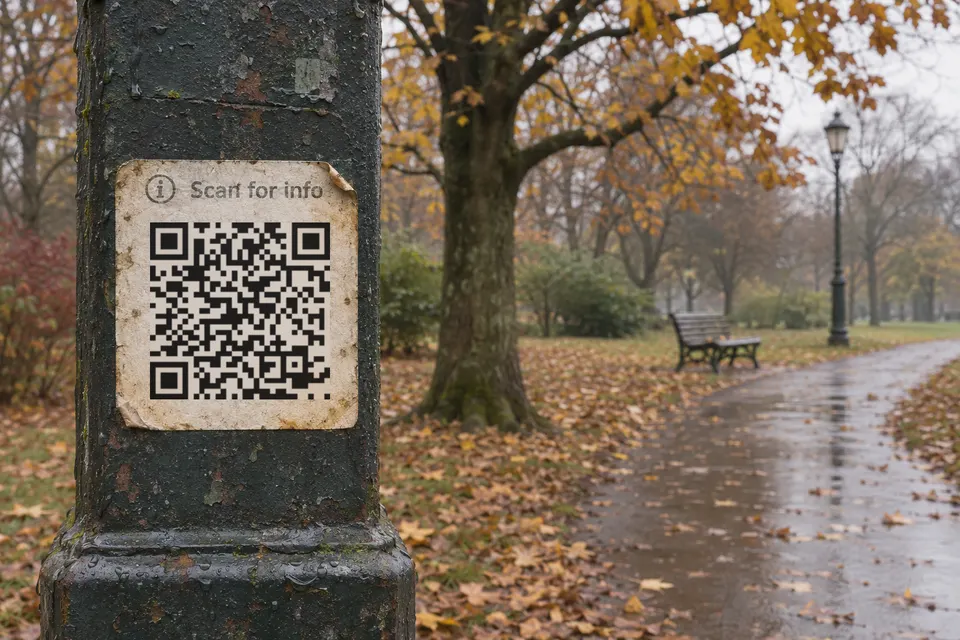
A static QR code has no expiry date, because the destination is written into the pattern. A dynamic QR code can stop working when the service behind it turns off the redirect: the free trial ended, the plan lapsed, a scan limit was reached or the service shut down. Either kind still needs the page it points to to stay online.
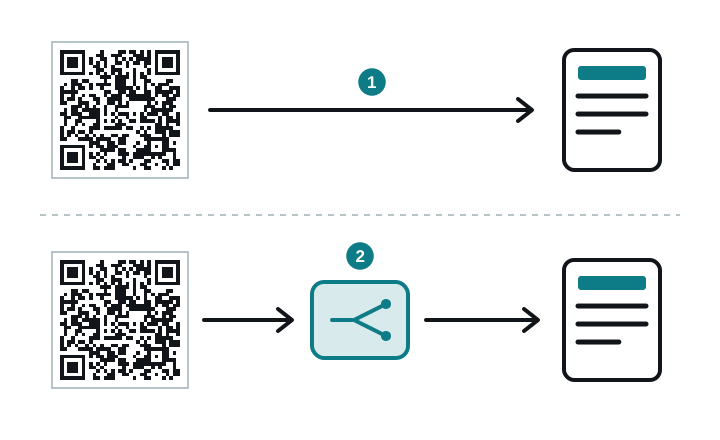
Check your own code first
- Scan the printed code with your phone camera and read the link that appears before you open it. On an iPhone, Apple’s Camera instructions say the link appears on screen and you tap it to open the content. The preview may show only the domain, and the domain is enough for this check: it tells you whether the address belongs to you or to a generator or link shortener.
- Match it against what you entered when you made the code. Suppose you entered
yourshop.com/menu: a preview ofyourshop.commeans you control the address, while a preview on the generator’s own domain means the generator decides where the code goes. A redirect service can also sit behind your own domain, so ask who can change whereyourshop.com/menuleads. - If you made the code in a generator account, open it there. In QR Code Generator, static codes are labelled “Static/Non-trackable” and dynamic codes show their scan counts, per its help article. Then find that generator’s trial, plan and limit rules in the table below.
The address alone does not prove the type. A static code can contain a short link, and some dynamic services let you use your own domain.
If the code already fails, the camera result points to the next step:
- Nothing is detected. Try another scanner and compare the print with the original image.
- An address is detected but the page does not load. Test it on another connection and read the error. If the address is on your own domain, check the page, hosting and domain; if it belongs to a generator, see the recovery section below.
- A deactivation or service page appears. Note which provider’s page it is and go to the recovery section.
What seven tools say about expiry (checked 2026-11-17)
“Not stated” means the linked source does not say.
| Tool | Code type | Expires? | Source |
|---|---|---|---|
| Canva | Static and dynamic | No, unless you set an expiry on a dynamic code | Canva help |
| Adobe Express | Static | No | Adobe Express |
| Bitly | Short link behind the code | No expiry date while the account stays active | Bitly blog, downgrade help |
| QRCode Monkey | Static | No | QRCode Monkey |
| QR Code Generator | Static and dynamic | Dynamic: yes, after the trial ends or 30 days after a cancelled plan ends | Trial help, cancel help |
| Chrome “Create QR code” | Not stated | Not stated | Chrome Help |
| bebber | Dynamic | No expiry; depends on bebber continuing to operate | Pricing |
Expiry and downgrade conditions by tool
- Canva: Business, Enterprise and Nonprofit users can set a dynamic code’s expiry. Without a date the code never expires. After the date, scanners reach your chosen fallback address or Canva’s error page. What happens to a dynamic code when you leave a paid plan is not stated.
- Adobe Express makes static codes: the encoded address is fixed, so the link cannot be changed after creation. QRCode Monkey’s codes work the same way.
- Bitly’s free plan includes 2 QR codes per month with unlimited scans. After a downgrade, QR codes follow the rules for short links in Bitly’s downgrade help. Codes using bit.ly links keep working. If the new plan includes custom domains, codes on a custom or complimentary domain keep working. If it does not, a custom-domain code keeps working while the domain’s DNS points to Bitly, but Bitly stops renewing the SSL certificate, so scanners may see a security warning. A complimentary-domain code stops working when that domain’s registration expires.
- QR Code Generator deactivates dynamic codes made in its 14-day free trial when the trial ends, and scanners then reach a service page. Static codes keep working. After you cancel, dynamic codes keep redirecting through the paid period and for 30 more days. You cannot edit them in those 30 days; afterwards they redirect to a service page, per its cancellation help. The cancellation page does not cover failed payments.
What to do if a printed code has stopped working
- QR Code Generator, deactivated dynamic code. Upgrading to a paid plan reactivates the codes with the same destinations. It can take up to one hour before they scan on phones, and if you have more codes than the plan allows you must pause some first. A dynamic code cannot be converted into a static one.
- Canva, code with an expiry you set. Select the QR code in your design and update or clear the expiry date.
- Bitly, or any other provider. Open the provider’s help page on plan or trial end, or contact its support. If the address inside the print belongs to the provider and service is not restored, the old code must be replaced: reprint, or stick a new code over it.
- An address on your own domain, such as
yourshop.com/menu. Restore that exact address through your own hosting or redirect, and the printed code works again.
bebber expiry and service dependency
Creating or editing a bebber needs no account. A bebber is the printed code plus the mobile page behind it, and you edit the page through the edit link sent to your email. Its QR code has no expiry and no scan limit, on every plan including free.
A bebber is a dynamic code, so it depends on the service. bebber is run by BLANX effects interactive GmbH in Cologne (see the trust page); if bebber stopped operating, its codes would stop resolving.
Once generated, a static code that holds your own website’s address does not depend on the QR generator. You can update the page behind it, for example a /menu page, while the printed address stays the same. Keep the domain, hosting and address working. A bebber gives an editable mobile page to people who do not want to maintain a website.
For print size and placement, see QR codes on signs; for engraved objects, see laser engraving. To make one, create your bebber and download its QR code.
Sources
- Camera instructions support.apple.com
- help article support.qr-code-generator.com
- Canva help canva.com
- Adobe Express adobe.com
- Bitly blog bitly.com
- downgrade help support.bitly.com
- QRCode Monkey qrcode-monkey.com
- Trial help support.qr-code-generator.com
- cancel help support.qr-code-generator.com
- Chrome Help support.google.com
- reactivates the codes support.qr-code-generator.com
Read next
Static vs dynamic QR code: which one do you need to print?
A static QR code holds the content itself, a dynamic one holds a service's address. See what each can change and count, and which one to print.
How big a QR code sign needs to be so people scan it
QR code sign size: start at the scanning distance divided by 10. Size table for counters, windows and yard signs, glare, placement, tamper checks.
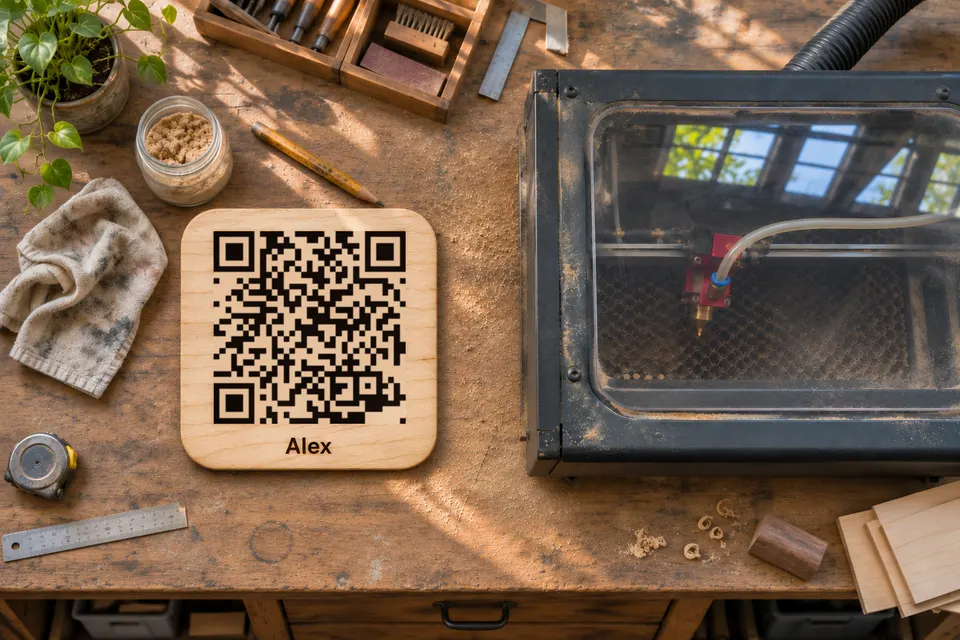
How to laser engrave a QR code that scans
Why an engraved QR code will not scan: a test order from polarity to scrap test, a material table, and a sizing formula with a worked example.
Ready to make one that lasts?
Free, no account, and the code keeps working.
Create your bebberNo sign-up. No credit card. Free forever.