Static vs dynamic QR code: which one do you need to print?
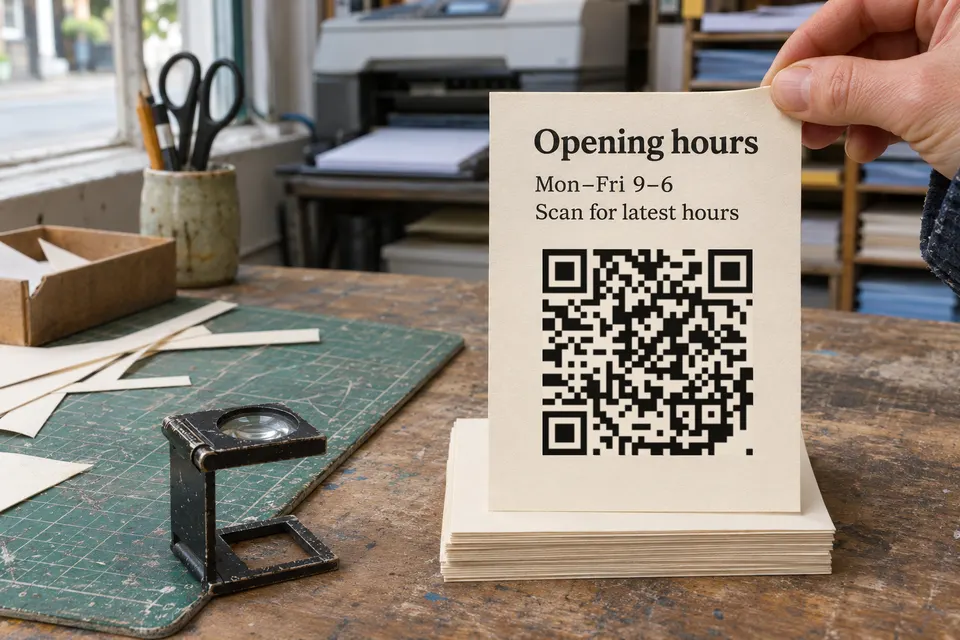
Use a static code for fixed text, WiFi details or a web address you control. Use a dynamic code when a service should host the page or let you change where the code leads. The difference is what the printed pattern holds: a static code holds the content or the final address, a dynamic code holds the address of a service. A dynamic code works only as long as its service runs; a static code depends only on the page it points to.
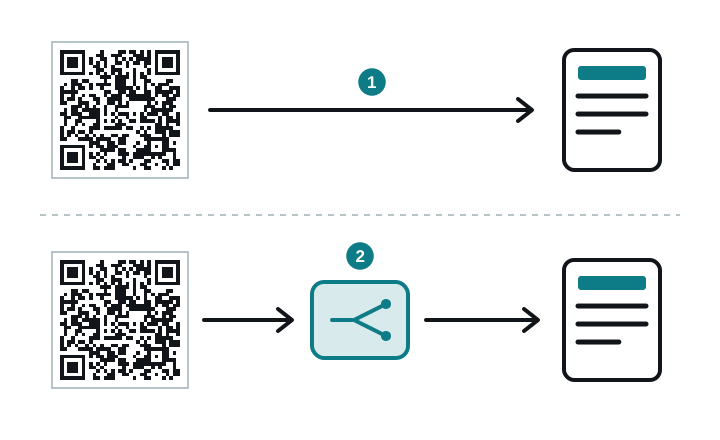
Static vs dynamic QR code at a glance
| Static | Dynamic | |
|---|---|---|
| What the pattern holds | The content or the final address | The address of a service |
| Change where the code leads | No. A new address needs a new code | Yes, in the service |
| Change the content | Only if the code points to a page you can edit | Yes, in the service |
| Count scans | No built-in count. The page it points to can count its own visits | The service counts each time the link is opened |
| What it depends on | Only the page it points to, if it points to one | The service, plus the page behind it |
| Expiry | None in the code itself | Set by the service’s terms |
Choose a QR code for your print job
- WiFi access or a plain text: static. The code holds the network name and password or the text itself, in a format phones read without any service. The ZXing project’s list of barcode contents shows the WiFi format,
WIFI:T:WPA;S:mynetwork;P:mypass;;. If you change the WiFi password, you print a new code. - A web address you own and can edit: static, pointing at that address. You change the page behind it, and the code never depends on a generator. This works only if you keep the domain and hosting running.
- A menu, price list, sign or label whose content will change: either. Update a page at a fixed address on your own website, or use a dynamic service. Choose the service if you have no website or want it to host the page.
- A contact card for a business card: either. A static code holds the card data itself, in one of the contact formats phones read, so the card is fixed. A dynamic code lets you update a phone number without reprinting the cards.
- Something permanent, such as an engraving or a tattoo: weigh the dependency before the permanent step. A dynamic code works only while its service runs. A static code with your own domain removes the service, and leaves you maintaining the domain. See laser engraving and tattoo for what to check first.
If you choose a dynamic code, read the service’s terms before you print, above all when and why a code stops working; do QR codes expire lists what to look for.
How dense the printed pattern gets
Density depends on how much data the code holds and on its error-correction setting, not on the label static or dynamic. DENSO WAVE’s QR Code version page lists versions from 1 (21 × 21 modules) to 40 (177 × 177 modules). Each version adds 4 modules per side. The largest code holds at most 2,953 8-bit bytes, DENSO WAVE lists.
More data or stronger error correction can require more modules, so a code that holds a long text or a full contact card is usually denser than one that holds a short address. A dense pattern needs more print size and a cleaner surface to scan. The same DENSO WAVE page lists four error-correction levels, which restore approximately 7 % (L), 15 % (M), 25 % (Q) and 30 % (H) of the codewords. Whichever kind you choose, generate the code and test it at the size you plan to print.
Check whether your QR code depends on a service
Scan the printed code with a QR reader that shows the address before it opens the page, and read that address. The address tells you which domain the code depends on. Your own domain gives you control of the address, but check who hosts the page and who manages its redirects: the code works as long as the domain, the hosting and any redirect service keep working. If the domain belongs to a generator or a link service, the code depends on that service. The address alone does not prove whether the destination can be edited: to find out, open the account the code was made with, or ask whoever manages the link. The expiry guide walks through the full check, including what to do when a printed code has stopped working.
bebber: a dynamic QR code with an editable page
A bebber is a dynamic QR code with a mobile page behind it: text, image, video, audio, PDF, contact card, WiFi and other blocks. You make it without a website, and you change the page later through an edit link sent to your email, while the printed code stays the same. Creating one is free, with no expiry and no scan limit on any plan. For uploading and replacing a PDF, see PDF to QR code.
bebber is run by BLANX effects interactive GmbH in Cologne, Germany. If bebber stopped operating, its codes would stop resolving. Scan counts appear in the dashboard of a free account for codes you claim into it, and the detailed breakdown needs a paid plan.
If you want to print a code and edit the page afterwards, create your bebber.
Sources
- ZXing project's list of barcode contents github.com
- contact formats phones read github.com
- QR Code version page qrcode.com
- DENSO WAVE lists qrcode.com
Read next
Do QR codes expire? What seven tools say, and what bebber does
Do printed QR codes expire? Compare seven tools' stated policies, check your own code, and see what you can fix before reprinting.
How to track QR code scans
Track QR code scans with the service that made the code, or with Google Analytics on your own website. What each way counts and what it misses.
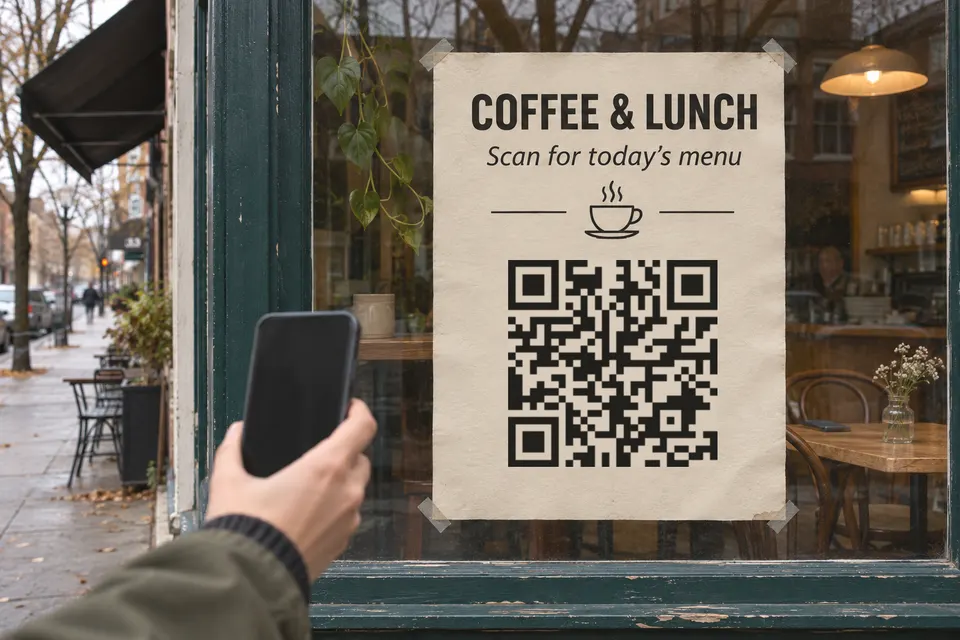
How big a QR code sign needs to be so people scan it
QR code sign size: start at the scanning distance divided by 10. Size table for counters, windows and yard signs, glare, placement, tamper checks.
Ready to make one that lasts?
Free, no account, and the code keeps working.
Create your bebberNo sign-up. No credit card. Free forever.