Attach a video or voice message to a gift with a QR code
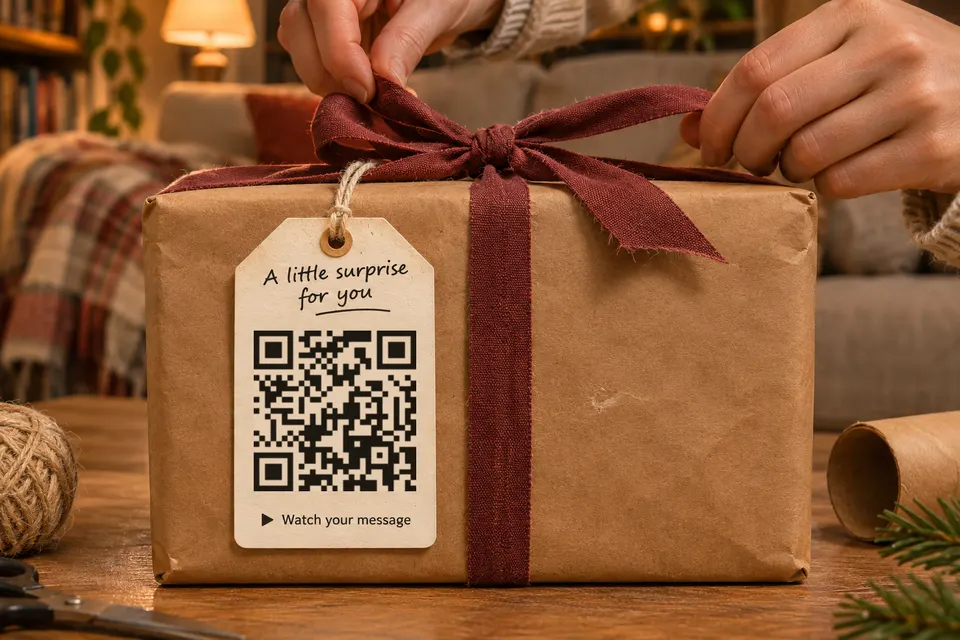
To attach a video or voice message to a gift, put the recording on a web page and print that page’s QR code on the card or gift tag. The recipient scans the code with a phone camera, then taps the link to open the page with your recording (Apple Support describes the steps for the iPhone Camera app). The code holds only a web address, so the recording has to fit the limits of the page behind it.
What to record and what fits
Limits for a free bebber, the printed code plus the mobile page behind it, are 25 MB of files per code and 5 blocks per code.
| What you attach | Block | Limit |
|---|---|---|
| Video | Video | MP4, WebM or MOV, within the 25 MB per code |
| Voice message | Audio | At most 3 minutes and at most 10 MB per file |
| Photos | Image | JPG, PNG, WebP or GIF, within the 25 MB per code |
| A shared album or playlist | Button or link list | A link to the service that holds it |
Check the file size before you upload. A phone video can be larger than 25 MB, and the free plan counts every file on the page together. Both audio limits apply, so a recording that is longer than 3 minutes does not fit even when it is small: split it or put it in a video. The Pro plan raises the block limit to 15.
Where to put the code
Put the code on a flat surface. Use the card or an outside tag for a message to scan before unwrapping, and the gift itself for a message to discover afterwards.
- A greeting card: inside, next to the handwritten line.
- A gift tag: the side that faces up, not the side the string passes through.
- A keepsake box or frame: inside the lid or on the back, where it will not scuff.
- A printed sticker on gift paper: avoid folds and glossy wrap, which cause glare.
Write one line next to the code that says what the scan gives, for example “Scan for a video message”.
How big to print it
Uniqode’s printing guide, checked 2026-11-17, divides the scanning distance by 10. A card read at 30 cm needs about 3 cm. The guide gives 2 x 2 cm as the minimum and asks for a contrast of at least 4:1 between the code and its background. On glossy stock it adds 15 to 20 % to the size.
A bebber code encodes a web address, so it has more modules than a code for a few words. Use the sizing guidance as a starting point, then scan a proof printed at your intended size.
The downloaded file already contains the blank margin of four modules that Denso Wave requires on every side. Do not add another border or crop the image.
Create the bebber for your gift
A single video or voice message fits Simple mode.
- Open /create. It starts in Simple mode, with the steps Content, Preview and Email.
- Under Content, choose video or audio and upload the file.
- Check the page under Preview.
- Under Email, enter your email address and press “Create my bebber”.
- Download the code as PNG, SVG or PDF. An email with your edit link arrives.
For a video plus a photo, or a message plus a button to an album, switch on the “Advanced” toggle and pick the “Blank” template. Choose “Add block” for each item, label a button block (“Open the photo album”), go through the steps Page, Code and Details, and press “Create my bebber”. A static code to a page on a site you already run and edit also works.
Test the code before wrapping
- Print a proof at the final size on the real card or tag.
- Scan it with a phone, ideally one that is not yours and an older one.
- Open the page and play the video or audio with sound on.
- Open it again on mobile data, not only on your Wi-Fi.
- Keep the email with the edit link and your original recordings.
Who can open the page
A bebber page is not listed and not indexed by search engines. Anyone who has the link or scans the code can open it, including from a photo of the code. You can add a password for free if you want to restrict access.
Changing the message later
The printed code stays the same, and the page behind it is edited with the emailed edit link, without an account.
The code depends on bebber staying online, and the recording is not inside the code. For a keepsake meant to last, keep your original files. Do QR codes expire compares what seven tools state about their codes.
Create your gift bebber in Simple mode.
Sources
- Apple Support support.apple.com
- Uniqode's printing guide uniqode.com
- Denso Wave qrcode.com
Read next
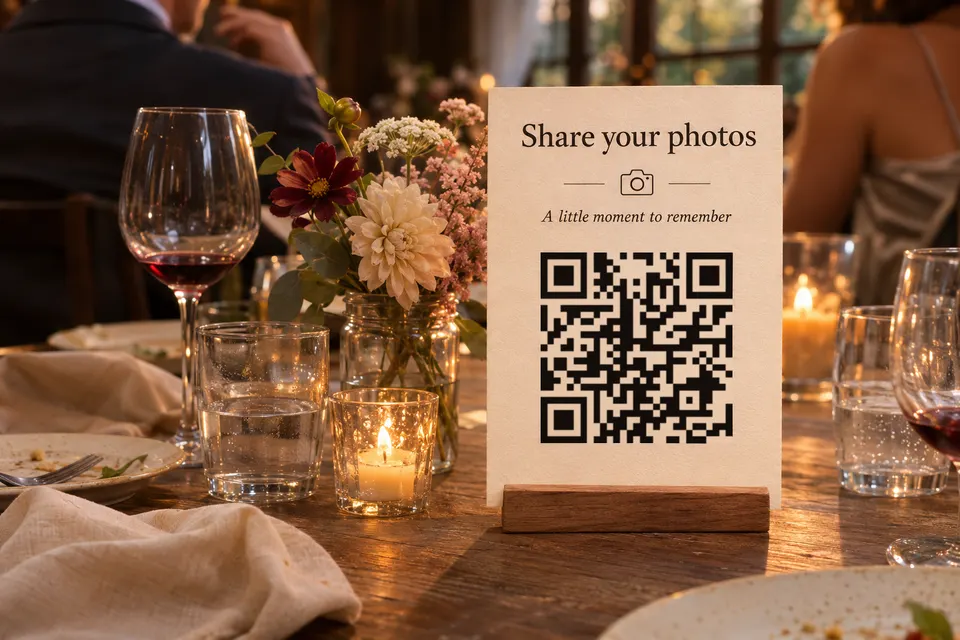
Collect wedding photos with a QR code on your invitation
A QR code does not collect guest photos by itself. Compare Google Photos, iCloud and wedding apps, then print one code whose page changes with the day.
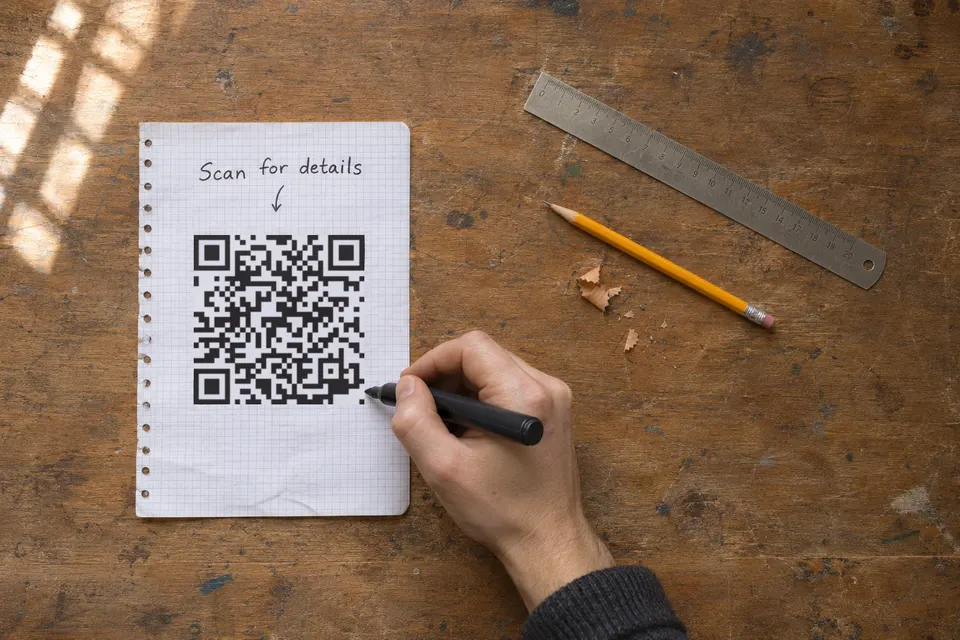
How to make a QR code by hand: draw, paint, stencil or stitch it
A hand-made QR code scans if every square sits in the right cell and the contrast is strong. Sizing example, methods by craft and the fix for each.
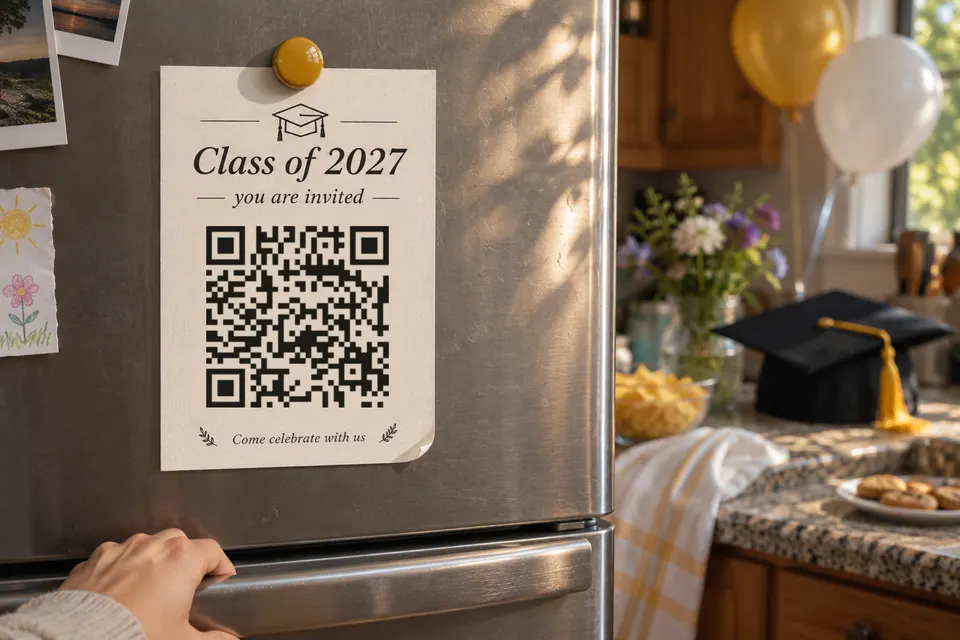
What to put behind the QR code on a graduation invitation
What to put behind a QR code on a graduation card or party table: map and details, a photo look-back, a gift link, a guest album and RSVP, all free.
Ready to make your own?
Same idea, your content — done in about a minute.
Create your bebberNo sign-up. No credit card. Free forever.