How to let open house visitors scan to check in
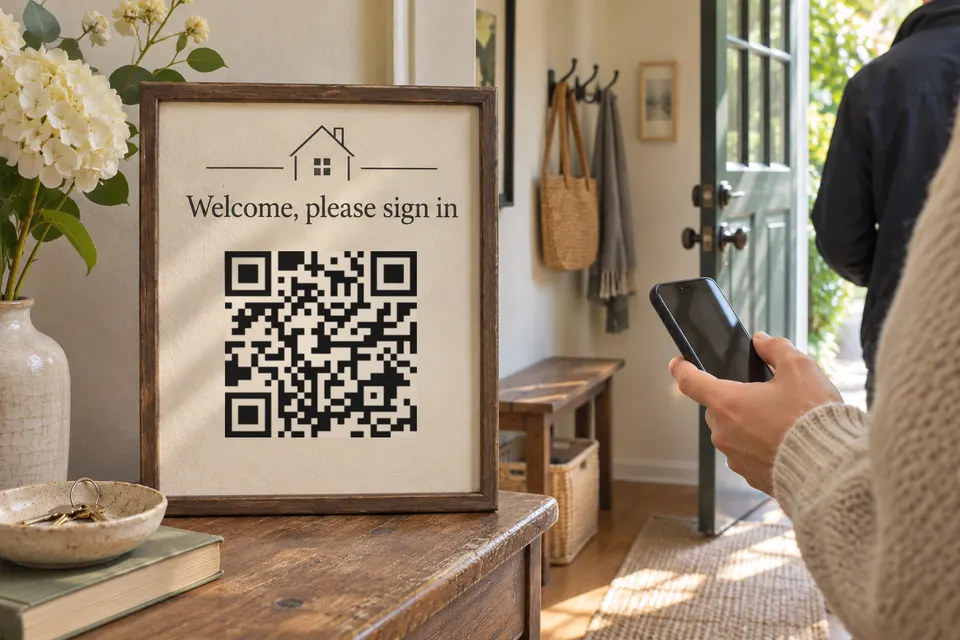
A visitor scans the code on your door sign and lands on one mobile page: sign-in, a listing photo, the floor plan, the address and your contact card. A form built into the page needs the Pro plan (9 EUR/month). On the free plan, the page carries a button that opens a form you already have, such as a Google Form.
Build your bebber sign-in page: free or Pro
| Free | Pro | |
|---|---|---|
| Cost | 0 | 9 EUR/month |
| Sign-in | Button to your own form | Form block on the page |
| Blocks per code | 5 | 15 |
The free route keeps the form outside bebber, so questions and responses follow that form tool’s rules. The built-in form offers one-line and multi-line answers, email, phone, dropdown, multiple choice, checkbox, date and rating. It has no file upload. See pricing for the rest of what Pro adds.
Free route: a button to a Google Form
- In Google Forms, add your questions (suggestions below).
- Under Settings, leave “Limit to 1 response” off, because it forces visitors to sign in to a Google Account. Leave “View results summary” off too: it shows visitors a summary of everyone’s answers.
- Click Publish, then Manage. Google’s help says: “Under ‘General access,’ you can give access to anyone with a link or to target audiences.” Choose anyone with a link, so walk-in visitors can respond without being added by name. Finish publishing, then use Copy responder link. Avoid settings that force a Google sign-in, such as “Limit to 1 response”, and check any email-collection option in the signed-out test below. See Google’s publishing help.
- Open a private browser window, paste the link and submit a test entry. Check that it loads without a Google login.
- Open /create, switch the toggle to Advanced and pick the Blank template. A page with several blocks needs Advanced mode.
- Use Add block for each block in the list below. For the button block, set the label to “Sign in” and paste the responder link.
- Go through Page, Code and Details, then press “Create my bebber”.
After creation you can download the code as PNG, SVG or PDF, and an email arrives with your edit link. Responses stay in Google Forms: open the form and click Responses to read them, or click the Link to Sheets icon for a spreadsheet (Google’s response help).
Pro route: the form block
- Follow steps 5 and 6 above, but add a form block instead of the button.
- Add your questions with the field types listed above.
- Finish with Page, Code, Details and “Create my bebber”, then submit a test entry from your own phone.
Responses appear on the code’s detail page in your bebber account, under “Form responses”, with an “Export CSV” button on Pro.
Blocks for the page visitors take home
The free plan allows 5 blocks and 25 MB of files per code. This set fits exactly:
- An image block with one listing photo.
- A PDF block with the floor plan or brochure.
- An address block, which offers a directions link.
- A contact card block (vCard) with your name, phone and email for visitors to save.
- The sign-in button.
A separate phone button needs a sixth block, so it requires Pro. On Pro, the form block takes the place of the button and leaves room for ten more.
Which questions to ask on the sign-in form
Suggested fields: name (required), email (required), phone (optional), “Are you working with an agent?” as a dropdown or checkbox, and budget and buying timeline (optional).
Add one sentence above the submit button with a brokerage-approved notice naming who receives the details and how you will contact visitors.
Consent to a privacy notice is not consent to marketing calls or texts. The FTC’s Q&A for telemarketers says a seller may call a number on the Do Not Call Registry when the person gave express agreement in writing. That writing includes the phone number and a signature, which can be electronic.
A visitor’s inquiry also creates a relationship for three months from the inquiry date. In both cases a person’s request not to be called must be honored. Rules for autodialed and prerecorded calls and texts, and for individual states, differ. This is not legal advice; ask your broker or a lawyer before you set up text-message follow-up.
Print and test the open house sign
Put “Scan to sign in and get the floor plan” above the code, so the sign states what the scan gives. Test the printed sign from the distance visitors will use it, under the room’s lighting, with more than one phone. Vistaprint’s guidance says “Shiny materials can reflect light and make QR codes hard to scan”, so check a glossy acrylic stand for reflections at the angles visitors will stand. For sizes by scanning distance and materials, see QR code signs, which has a size table for counters, windows and yard signs.
Update the listing after the open house
The code does not expire and has no scan limit, on any plan. Visitors may save the page, so keep it identifying the original property: when the house goes under contract, edit the status through your edit link, and mark it sold after closing. Make a separate bebber for your next listing. A yard-sign rider carrying the same code keeps working for as long as that page exists. Do QR codes expire compares what tools promise and what to check before you print.
Other open house sign-in apps
Open Home Pro’s App Store listing (checked 2026-11-17) describes a digital sign-in sheet with custom questions, automated follow-up emails and engagement tracking. It lists Premium at $24.99 per month. Curb Hero’s listing (checked the same day) describes QR code or on-screen sign-in and is labelled free; its page does not list paid plans.
Create your open house bebber, submit a test sign-in, then print its QR code.
Sources
- Google Forms google.com
- Google's publishing help support.google.com
- Google's response help support.google.com
- Q&A for telemarketers ftc.gov
- Vistaprint's guidance vistaprint.com
- App Store listing apps.apple.com
- listing apps.apple.com
Read next
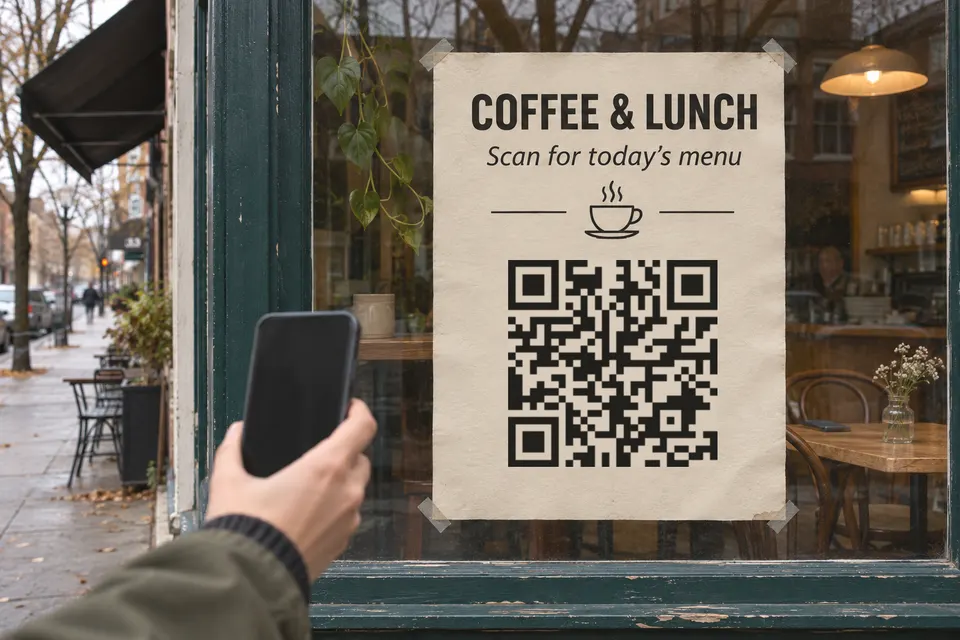
How big a QR code sign needs to be so people scan it
QR code sign size: start at the scanning distance divided by 10. Size table for counters, windows and yard signs, glare, placement, tamper checks.
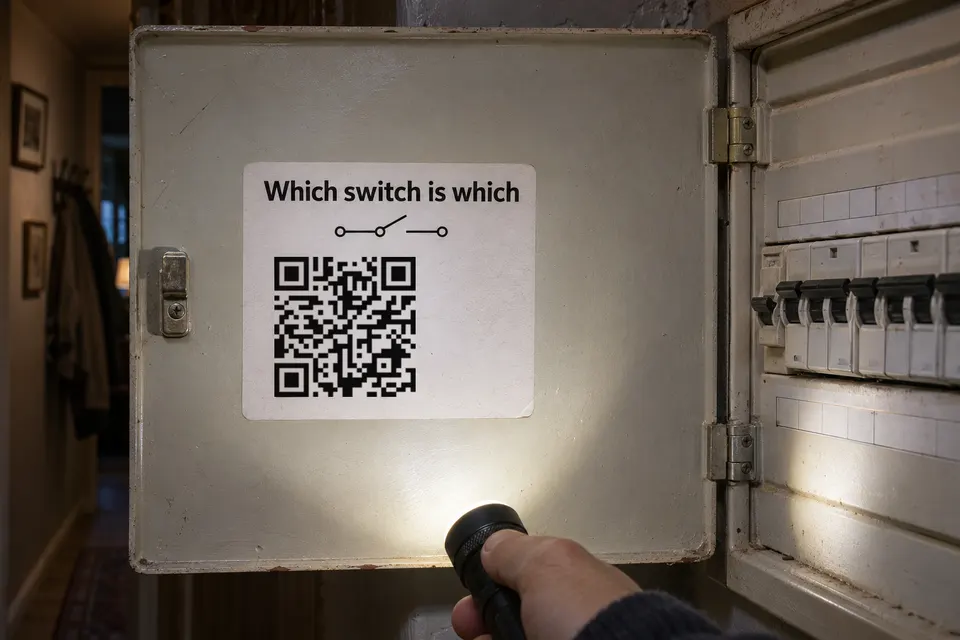
Fuse box labels: a written circuit list first, a QR code for the extras
Keep a readable circuit list on the fuse box door. A QR code can add notes and contacts. Free circuit directory template and a placement checklist.
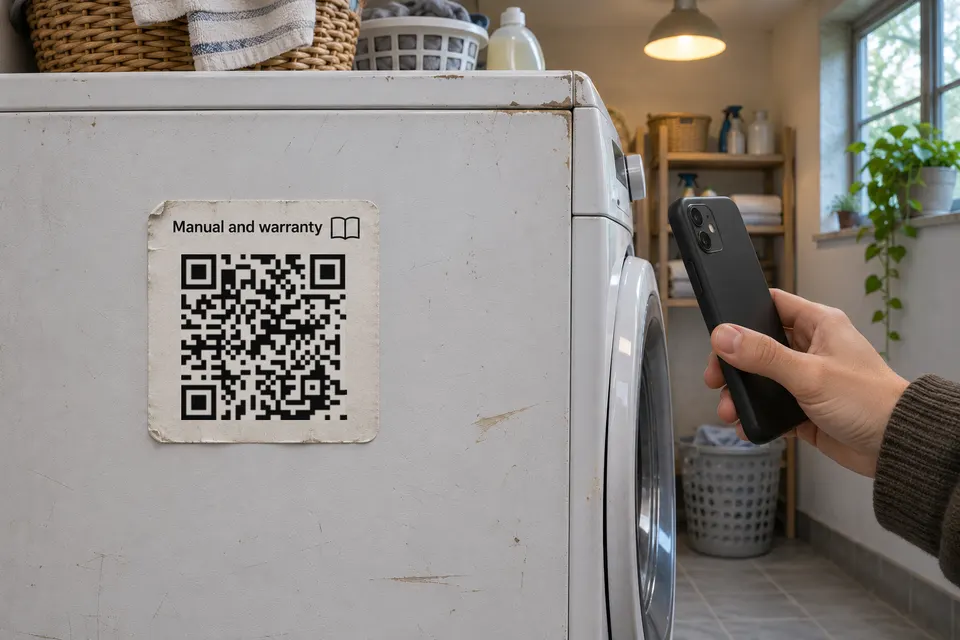
How to keep appliance manuals and receipts behind a QR sticker
Put an appliance's PDF manual, receipt photo and warranty date behind a QR sticker on the machine. What to store, what to keep off, and how to place it.
Ready to make your own?
Same idea, your content — done in about a minute.
Create your bebberNo sign-up. No credit card. Free forever.